Last updated Aug 12, 2026
Paper records can consume valuable workspace long after they stop being part of daily operations. Medical offices, law firms, accountants, manufacturers, real estate professionals, and other Vista businesses may retain contracts, client files, tax documents, inspection records, and operational paperwork for years.
Moving eligible inactive records into self-storage can create more room in the workplace, but the process requires careful planning. Businesses must determine which files may be stored off-site, how access will be controlled, and whether a general self-storage environment is appropriate for the records involved.
Different industries generate different types of paperwork, but many face the same practical challenge: active office space gradually becomes crowded with files that are rarely accessed.
Healthcare providers may retain patient, billing, and administrative records. Legal practices often manage closed case files and supporting documents. Manufacturers may keep inspection reports, certifications, invoices, and vendor records. Accountants, retailers, and real estate professionals also accumulate tax, transaction, and customer documentation.
Self-storage can provide a dedicated place for eligible boxed records while allowing the office to remain focused on current work. It should be used as part of a broader records-management process rather than as a substitute for one.
Retention periods depend on the industry, record type, licensing requirements, contracts, litigation obligations, and current law. Businesses should maintain a written retention schedule and obtain qualified legal, tax, or compliance guidance before transferring or destroying files.
According to Title 22 of the California Code of Regulations, adult patient medical records must generally be retained for at least seven years from the date of service, while Medi-Cal providers are subject to a 10-year retention requirement under California Welfare and Institutions Code §14124.1.
Healthcare organizations may be subject to additional requirements. Before storing patient files off-site, providers should evaluate access procedures, transportation practices, indexing, confidentiality safeguards, and eventual destruction methods.
Law firms and other professional practices may need to retain records based on client agreements, professional duties, pending matters, potential claims, or industry-specific rules.
A written file-retention policy can help determine which records should remain in the office, which may be stored off-site, which should be digitized, and which have reached an approved destruction date.
According to the California Consumer Privacy Act (CCPA) and California Privacy Rights Act (CPRA), businesses must implement reasonable security procedures and proper data retention and disposal practices for records containing personal information, including applicable physical records.
Using a storage unit does not independently satisfy these obligations. The business remains responsible for controlling access, tracking stored records, responding to applicable requests, and arranging secure disposal.
Archived files can occupy rooms, closets, cabinets, and work areas that could otherwise support employees, equipment, meetings, or customer service.
Current Vista commercial real estate market data can help businesses evaluate the cost of using office space for inactive records. The potential savings from moving files off-site will vary based on storage rent, shelving, transportation, staff time, retrieval frequency, and document-management requirements.
For some businesses, a general self-storage unit may be sufficient. Records requiring managed environmental conditions, professional indexing, scheduled delivery, or certified destruction may be better suited to a dedicated records-management provider.

Good preparation makes stored files easier to retrieve and reduces unnecessary handling.
Separate active files from inactive records before moving anything. Remove duplicates and identify documents that have reached an approved destruction date under the business's retention policy.
Do not discard confidential records in ordinary trash. Use an appropriate secure-destruction process.
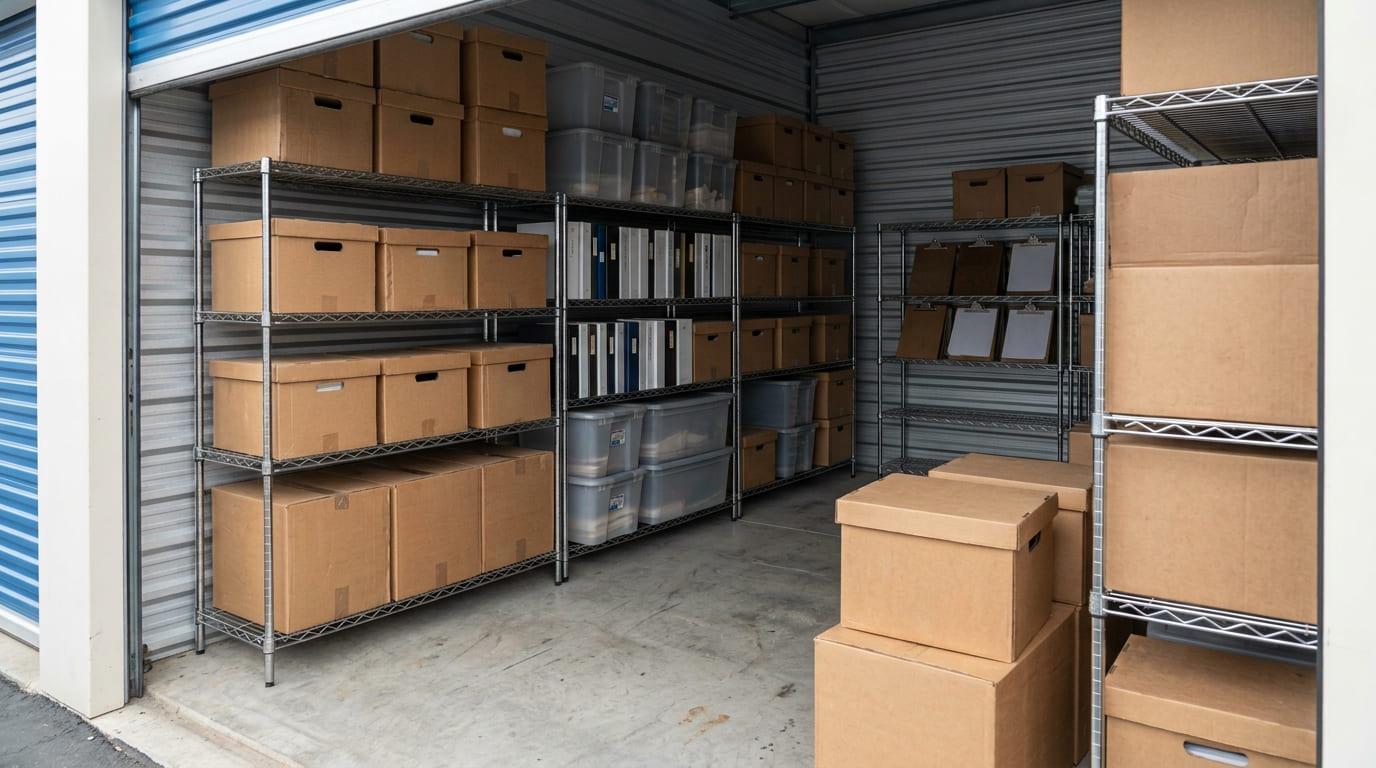
Assign each box a unique number and record its contents, date range, retention category, and destruction-review date. Keep the master inventory somewhere other than inside the storage unit.
A consistent system allows authorized employees to locate a record without opening every box.
Place documents in sturdy, closed containers that can support stacking without collapsing. Label each box clearly, but avoid exposing sensitive client or patient information on the outside.
Use shelving to keep boxes organized and off the floor. Leave enough aisle space to reach older files without moving an entire row of containers.
Only place clean, dry records into storage. Avoid storing damp boxes or files that have been exposed to moisture.
SecureSpace Vista does not offer climate-controlled units, so businesses should decide whether standard storage conditions are suitable for their documents. Records requiring specialized preservation or managed environmental conditions should be stored with an appropriate professional provider.
The right facility depends on the sensitivity of the records, how often they must be retrieved, and who will need access.
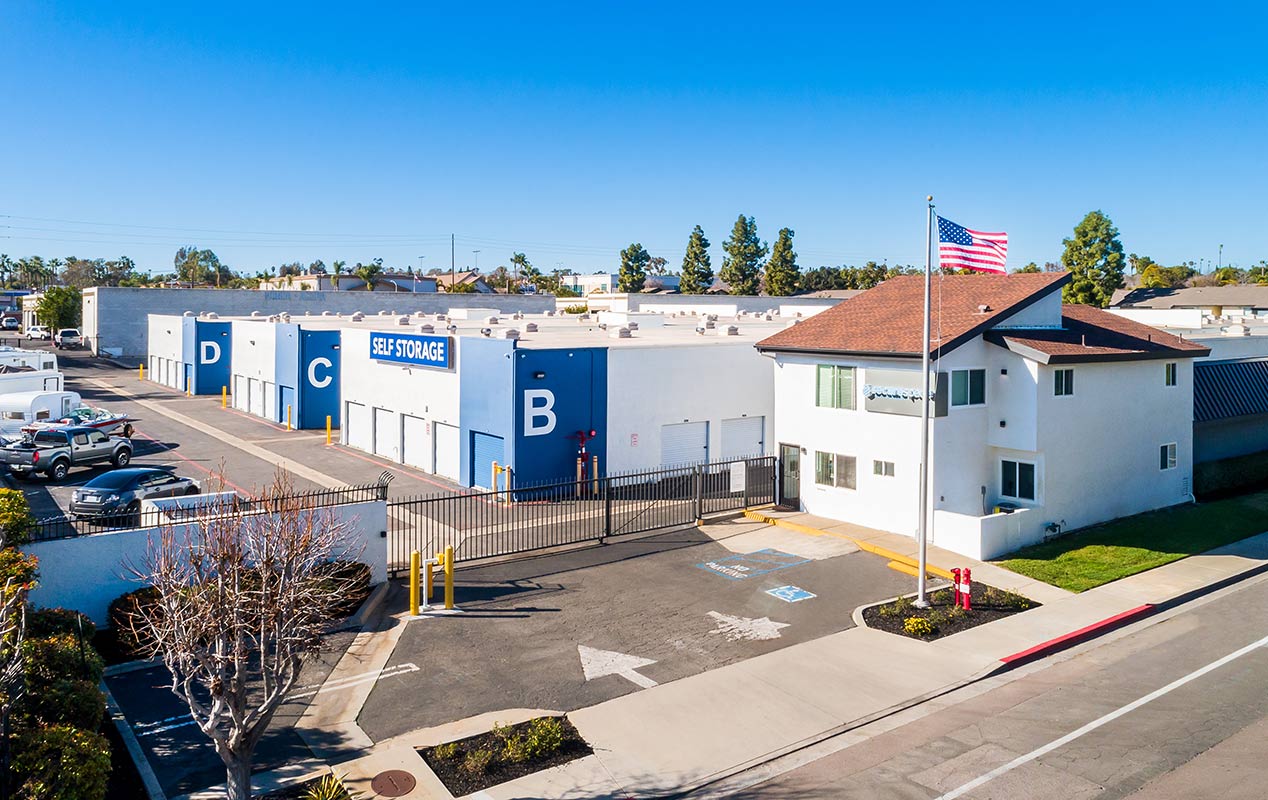
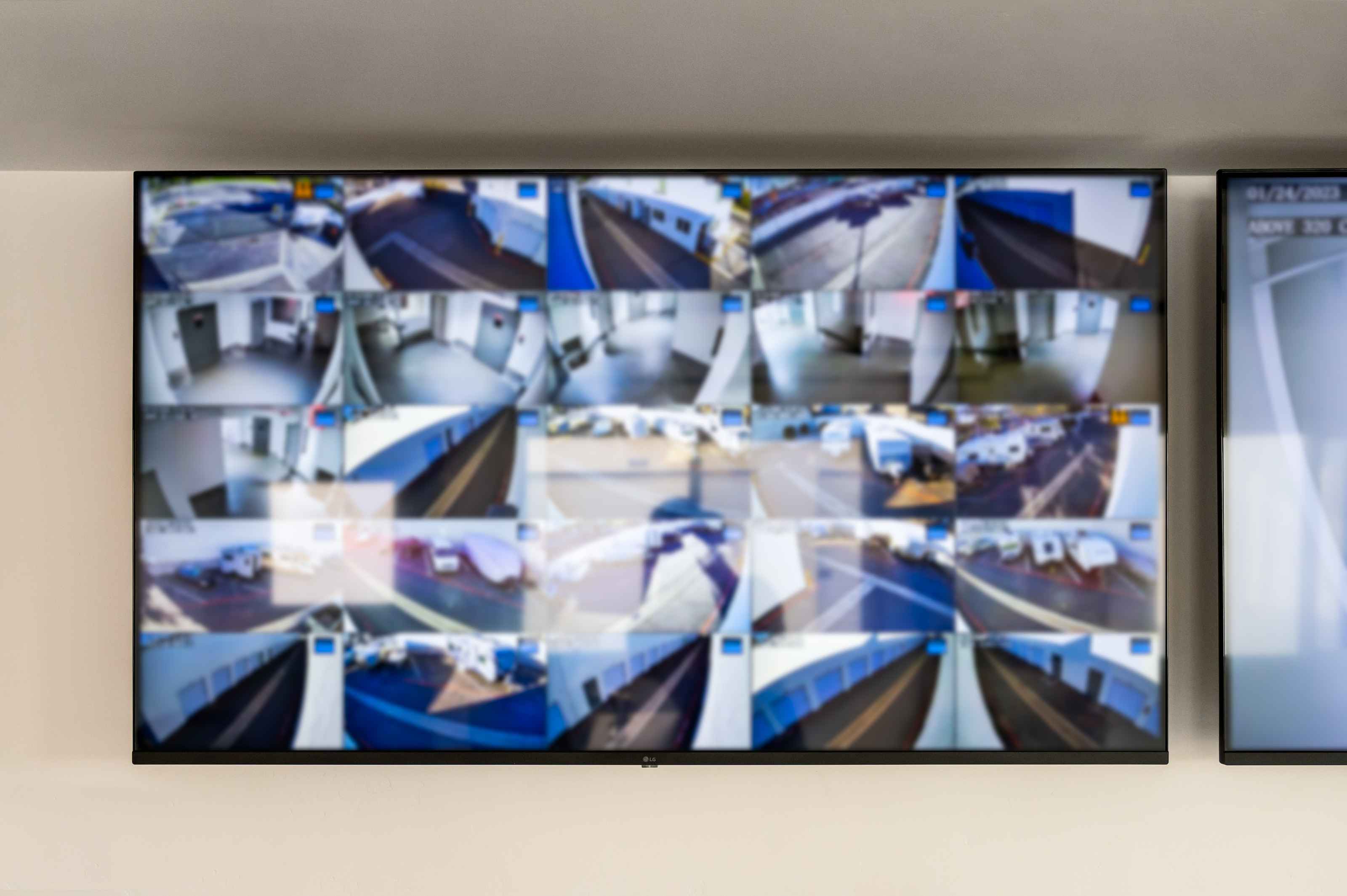
SecureSpace Self Storage Vista offers an access gate, logged access, digital video recording, overnight surveillance, and Turing-enabled monitoring.
These facility features should be supplemented with responsible business practices. Use a quality lock, restrict unit access to authorized personnel, maintain a check-in and check-out log, and review applicable insurance or coverage requirements.
A convenient location can reduce disruption when a document is needed for an audit, client request, active matter, or operational review.
Before renting, decide who may enter the unit, how records will be transported, and how quickly specific files may need to be retrieved.
The appropriate unit size depends on the number of boxes, shelving arrangement, future document growth, and the amount of aisle space required.
A 5x5 unit may suit a smaller archive. A 5x10 can accommodate additional shelving and growing records. A 10x10 may work for larger collections that require multiple shelving sections and a central retrieval aisle.
Count existing boxes and estimate future additions before selecting a unit. Avoid choosing a layout that requires unloading the entire space to reach older records.
No. SecureSpace Vista offers standard self-storage rather than climate-controlled units.
Businesses should determine whether standard conditions are appropriate for their records. Files requiring managed temperature, humidity, preservation, or professional document handling may need a specialized records-storage provider.
No. Renting a storage unit does not independently establish compliance with privacy, healthcare, legal, or records-retention requirements.
Each business remains responsible for access controls, employee authorization, document tracking, transportation, retention periods, and secure destruction.
The facility includes an access gate, logged access, digital video recording, overnight surveillance, and Turing-enabled monitoring.
Businesses should also use a strong lock, maintain a detailed inventory, limit employee access, and establish written handling procedures.
Medical practices, legal offices, accountants, real estate professionals, manufacturers, retailers, and other businesses may use off-site storage for eligible inactive records.
The business should first determine whether the records are appropriate for general self-storage and whether any specialized legal or environmental requirements apply.
There is no universal retention period. Requirements depend on the record type, industry, tax rules, contracts, professional obligations, litigation considerations, and applicable law.
Maintain a written retention schedule and confirm uncertain requirements with qualified professionals.
Yes. Moving eligible inactive records may free up space for employees, equipment, meetings, or customers.
The overall value depends on storage costs, shelving, transportation, administrative time, and how often records must be retrieved.
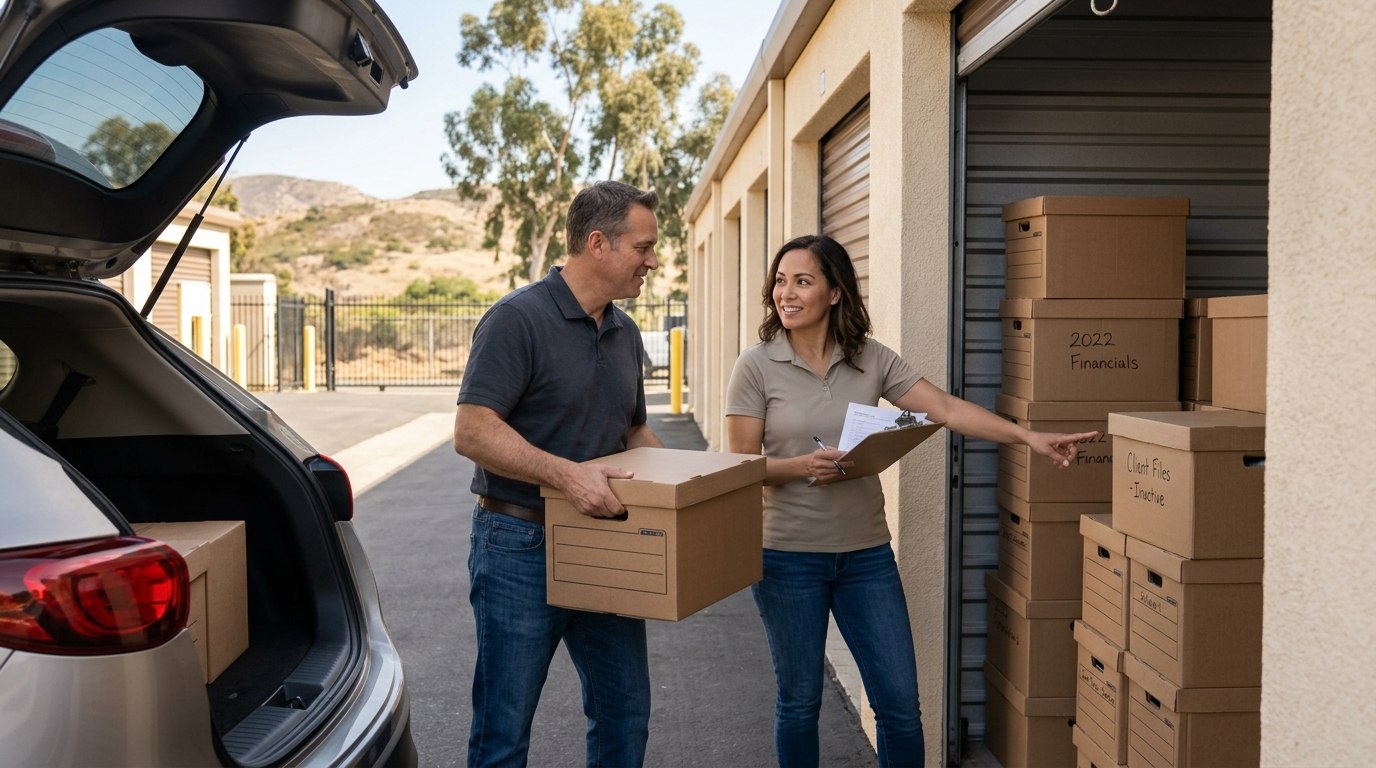
Off-site storage works best when records are reviewed, inventoried, boxed, and managed according to a written policy. Before moving files, identify what must be retained, remove records approved for secure destruction, assign box numbers, and establish clear access procedures.
Businesses seeking additional room for eligible archived files can review current options for document storage in Vista, CA.
Everything you need to store your belongings securely, on your schedule.
Visit us online